Your settings. Your selling price.
Calculate labor, overhead and selling price from configured rates and markup or margin.
Enter your job measurements. Calculate materials and labor using your own rates. Create a professional estimate—all from your phone.
No account needed for the demo. Sample data is not saved. View current access
Sample painting job
Explore the same sample job from start to finish. Your estimates use your company’s costs, rates and pricing settings.
Try DemoSample painting job
Sample Customer · Living room walls
590
Coats
2
Sample settings: 350 sq ft/gal coverage, 10% waste, $30/hr labor and 40% target margin. These are illustrative values, not market prices.
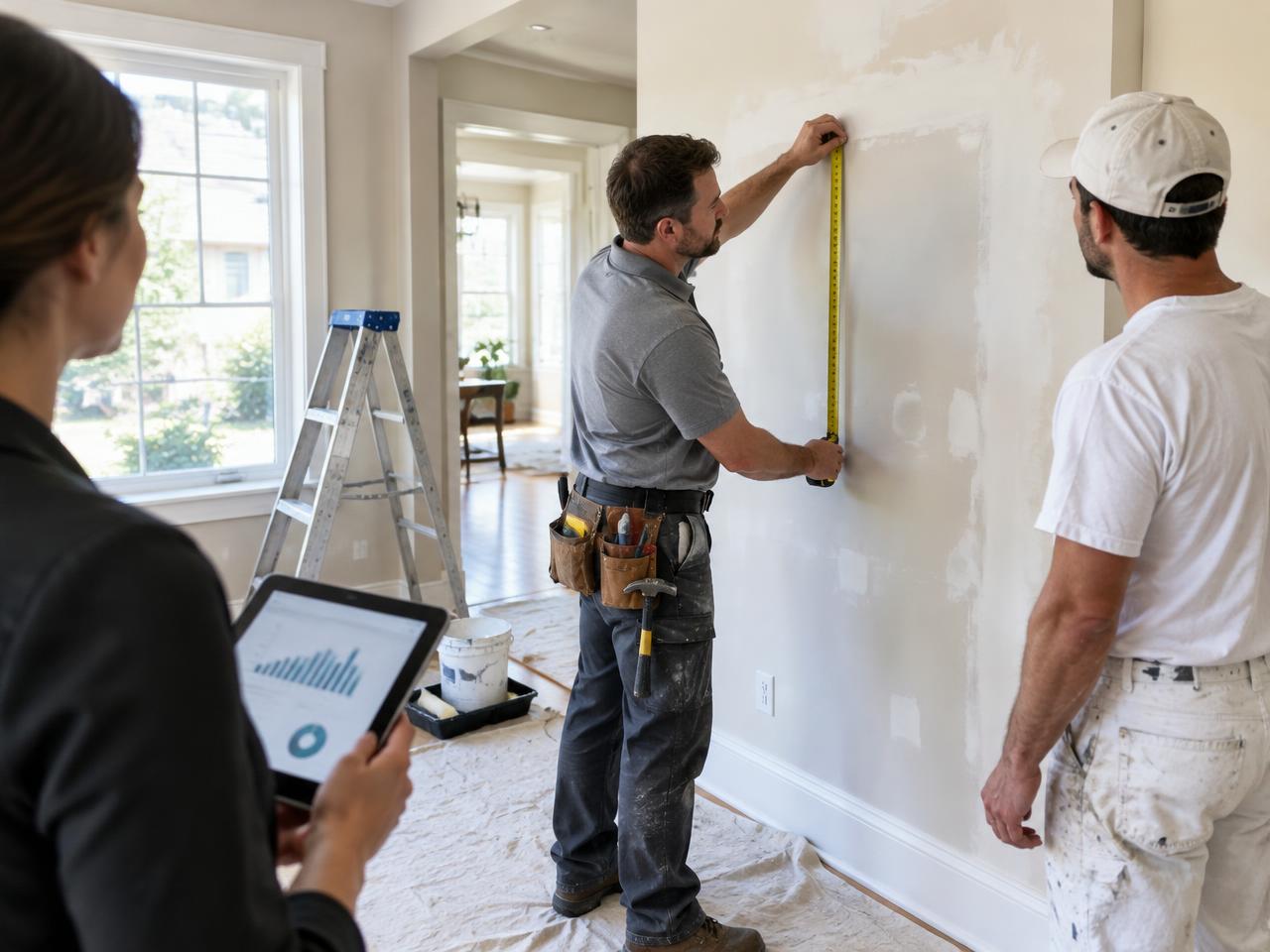
He knows how to get the job done. But before the work begins, there’s a lot to figure out. Measurements. Materials. Labor. And what to charge. That’s where CrewFino comes in. He enters the measurements, adds the work, and CrewFino helps bring the numbers together. One job. One professional estimate. Ready for his customer. CrewFino. More Jobs. Less Paperwork.

Add dimensions, photos and scope details to your estimate.
Review materials, labor, overhead and selling price using your company settings.
Issue a branded customer proposal, share its link or print it.
Calculate labor, overhead and selling price from configured rates and markup or margin.
Issue a branded proposal with scope and total, share its link, or print/save a PDF. Email sharing opens your mail app.
Keep photos, notes and measurements attached to the estimate.
For painting businesses and contractors who price work using their own company settings.
Enter paintable area and coats; calculate paint quantities and labor using configured company settings.
Build electrical scope from company-configured services or manual priced items; specialist specifications remain your responsibility.
Add plumbing services and material/labor items using your company configuration or manual entries.
Describe carpentry scope and quantities with configured service rules or manual priced items.
Enter flooring scope and area using a company-configured service or manual materials and labor.
Build drywall scope using configured service rules or manual items; verify materials and labor assumptions.
Describe roofing work with configured services or manual items; verify the site and product specifications.
Combine rooms and service sections into one estimate, with company-configured or manual pricing.
Try the complete sample painting estimate without an account. Create an account to set up your company and its estimating settings.
Account registration is separate from product access. Paid-plan prices, access limits and future billing terms have not been published.
View current accessThe public demo includes customer details, measurements, calculations and a sample proposal. Registered workspaces include company setup and estimating tools; published access terms are shown on the Pricing page.
Yes. Set company material prices, labor rates, overhead and markup or margin. Review missing prices and the result before issuing an estimate.
You enter the dimensions or measured area. CrewFino does not automatically scan or measure a room with your phone camera.
Painting has a measurement-based workflow. Other trades use company-configured services or manual estimate items; they are not all ready-to-use automatic calculators.
The issued proposal presents the selected scope and customer total with your company branding, not the internal cost or profit breakdown.
Visit Contact for the current support status. A monitored business support address has not yet been published.
See the numbers come together in the demo. Then set up CrewFino for your business.